Build
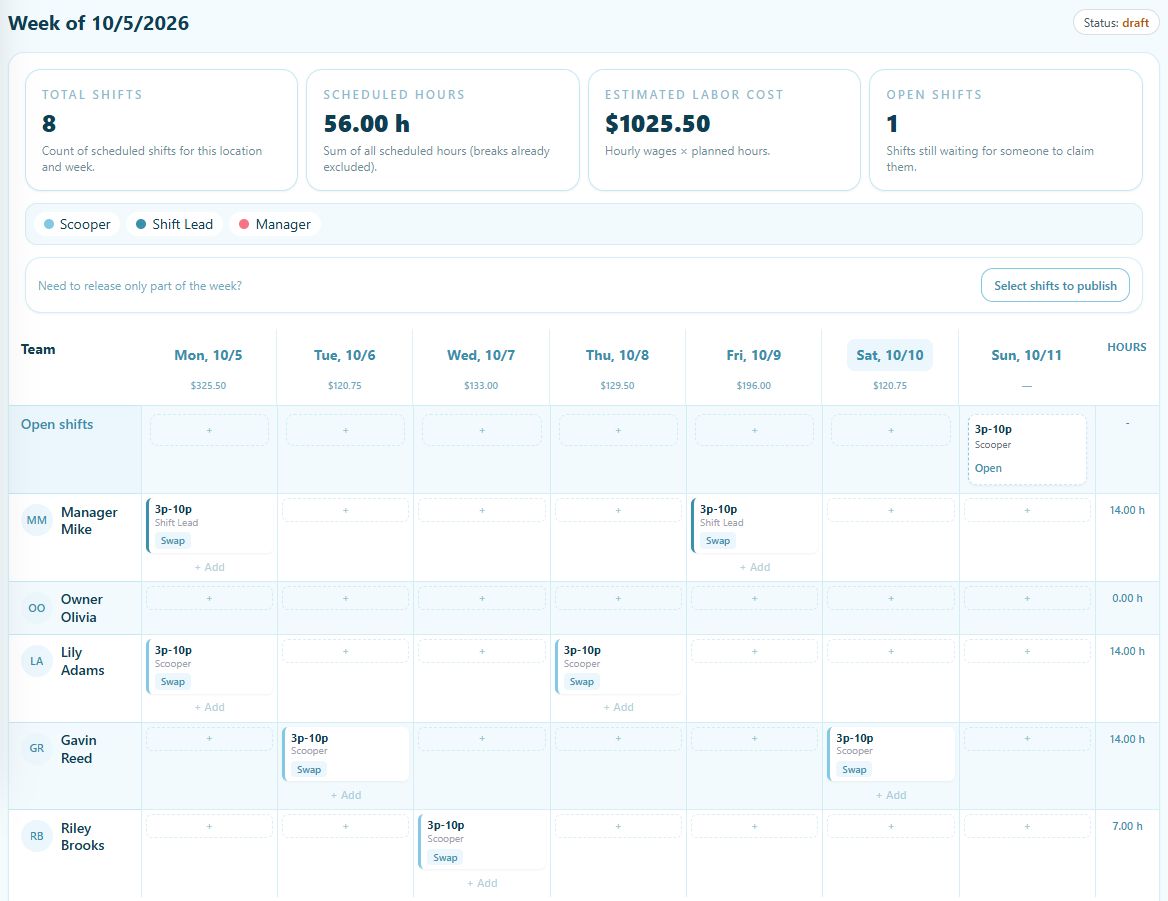
Assign people and positions, add open shifts, and copy a previous week.
Included in Basic and Pro
Weekly schedule builder
Build the week on a visual schedule, reuse shifts that already work, and publish when the team is ready. Weekly scheduling is included in Basic, free forever.
How it works
Assign people and positions, add open shifts, and copy a previous week.
Check hours, labor estimates, and time-off or availability conflicts.
Share the finished week so employees can see their assigned shifts.
The details
Employees see published shifts. Keep the week in draft while you make changes, then publish the schedule when it is ready.