Request a swap
Choose a published shift and a teammate. Add a note about the change.
Included in Basic and Pro
Shift swaps
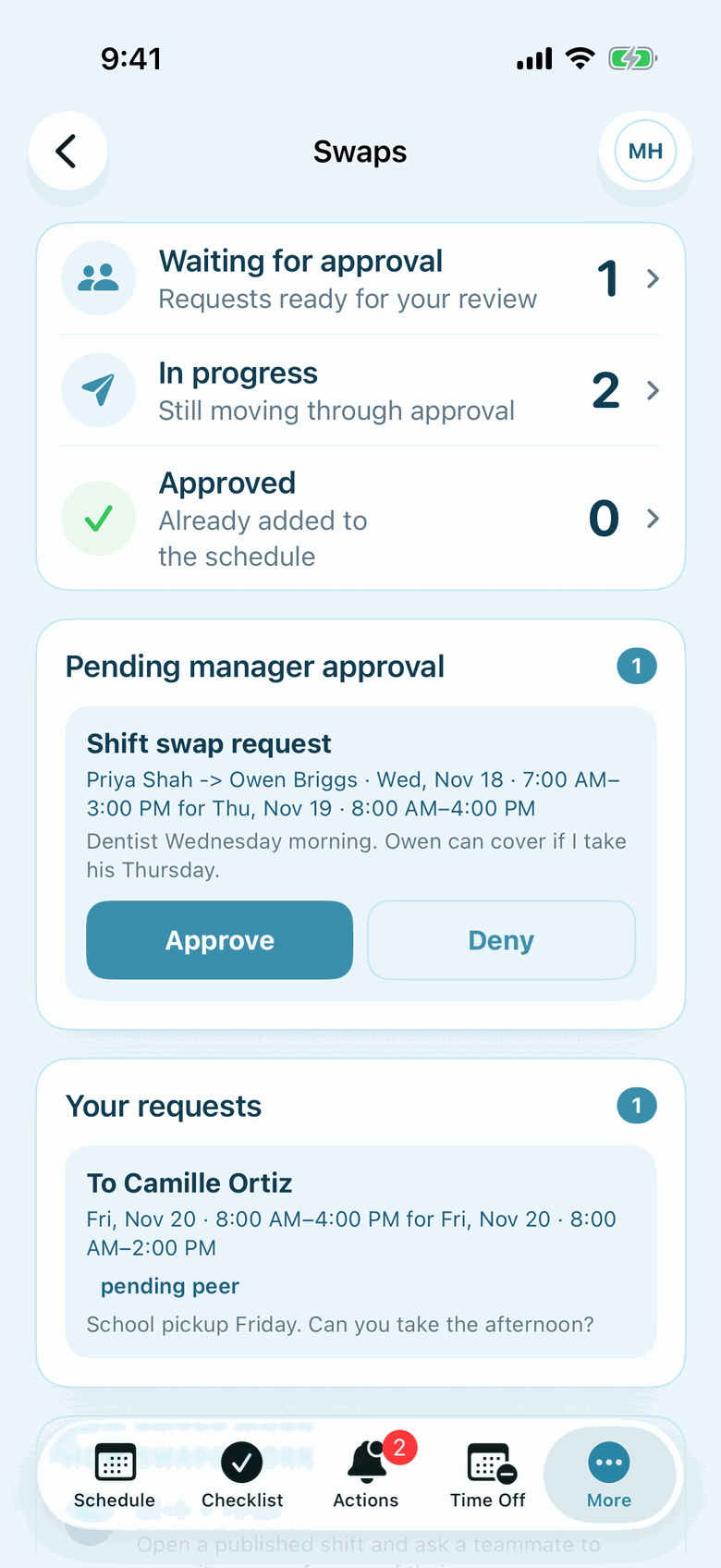
Employees request a swap, their coworker responds, and a manager makes the final decision. The approved change stays connected to the schedule.
How it works
Choose a published shift and a teammate. Add a note about the change.
The teammate accepts or declines before the request reaches a manager.
A manager reviews the request. Approval updates the shift assignment.
The details
A request alone does not move a shift. It needs the coworker's acceptance and a manager's approval.